SWYFT Cyclone
Motor, controller, and encoder documentation for FRC teams using SystemCore.
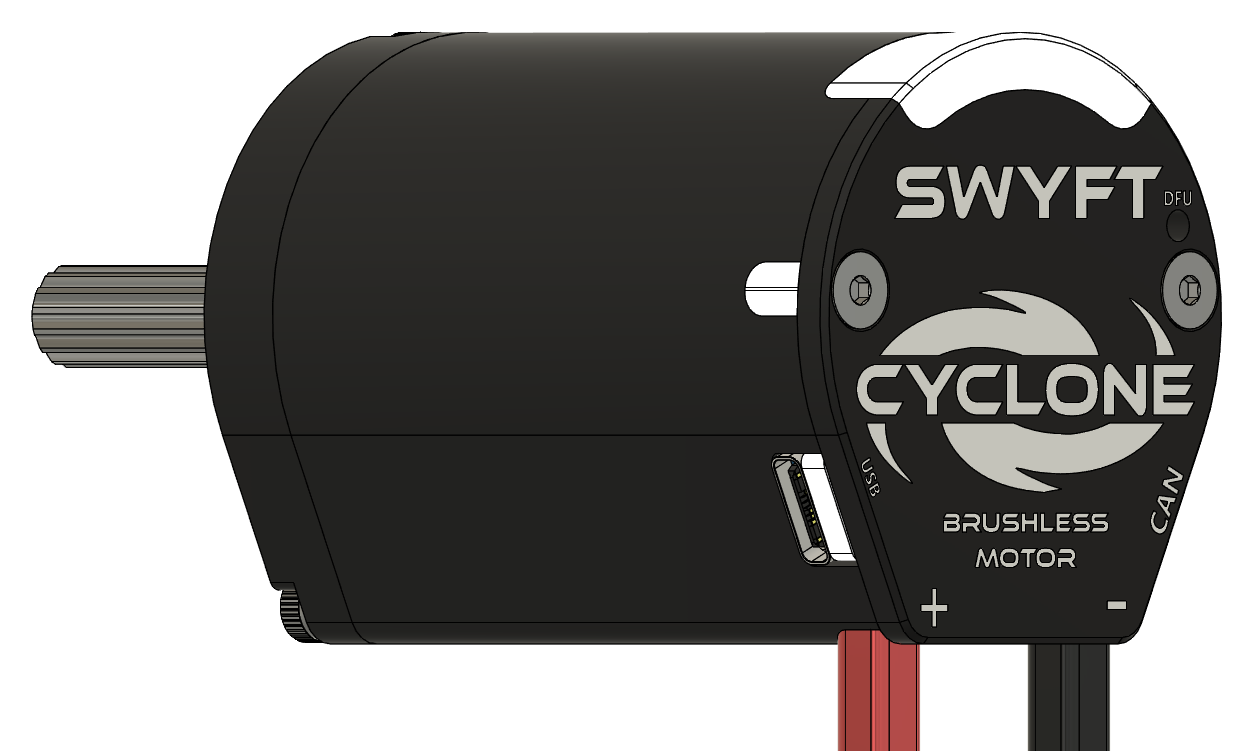
Using Cyclone on your robot
Cyclone combines a brushless motor, motor controller, and 14-bit absolute encoder in one housing. Connect its red and black power wires to a breaker- or fuse-protected output on the robot’s power distribution hub. Plug its supplied CAN connectors into the robot’s CAN bus loop. CAN H is yellow and CAN L is green. Your robot program sends commands and reads measurements over CAN.
SWYFT Link runs on SystemCore and provides configuration, device identification, live measurements, and firmware updates. USB-C connects your laptop directly to a Cyclone for setup, updates, or motor testing before CAN is connected. Running the motor requires 12 V battery power; standalone USB-C testing does not require SystemCore or Driver Station. If a robot signal is also present over CAN, Driver Station permission still applies.
- Duty, velocity, and position control through the Java API
- Adjustable limits for current inside the motor (stator) and current drawn from the battery (supply)
- Temperature protection and reported fault states
- Shaft angle measurement and a count of complete turns since power-up
- Two status lights and five user-controlled lights
Getting started
- Mount and wire the motor. Follow Mounting and Wiring.
- Open SWYFT Link on SystemCore. Identify each Cyclone and assign a unique device number.
- Set current limits for the mechanism, then follow First power-up.
- Add the Java library to your robot project and send commands from your periodic control code.
Reference
Use Specifications for dimensions and supported settings, Status lights to interpret the controller, and Troubleshooting when a motor does not respond as expected. Firmware & DFU explains normal updates and recovery.